Before you download
What does PreWatch do with a film?
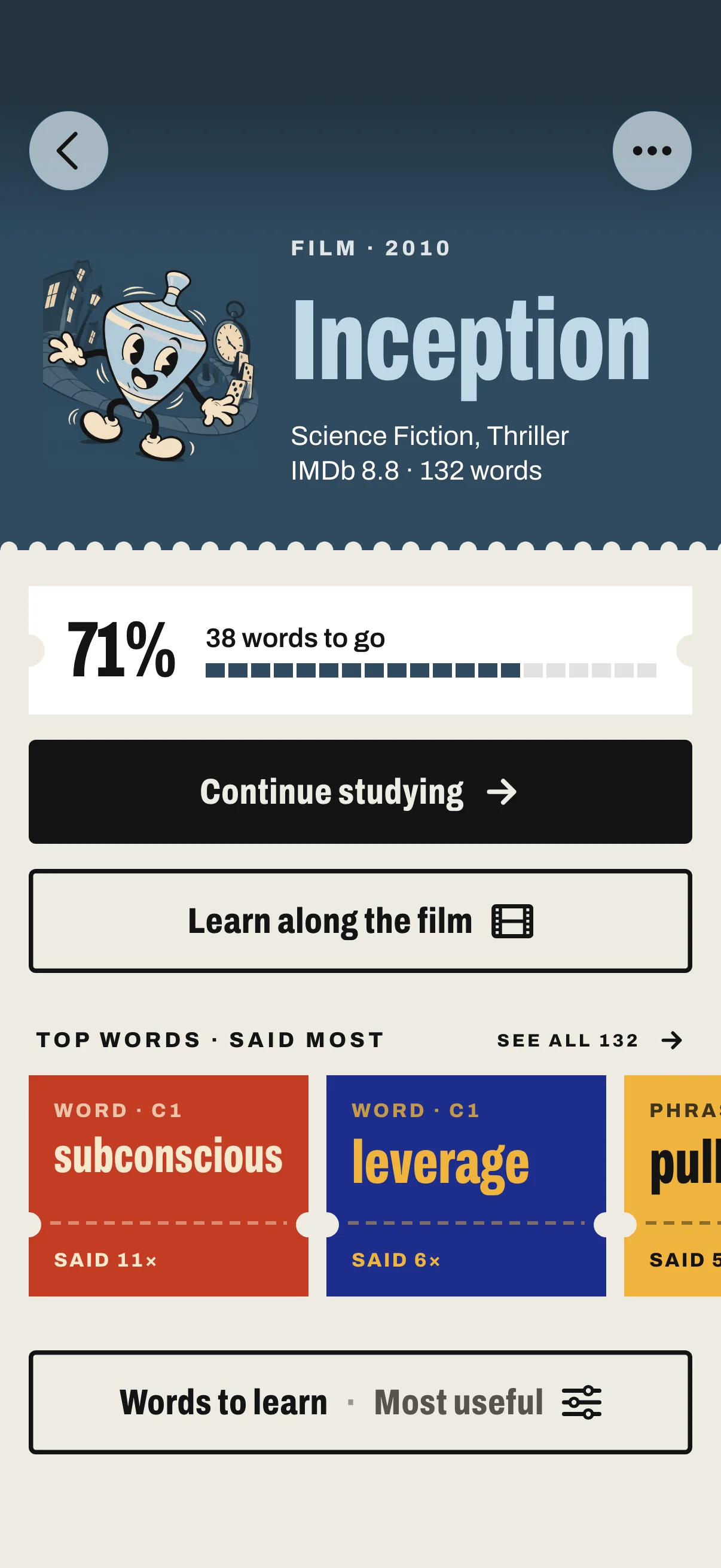
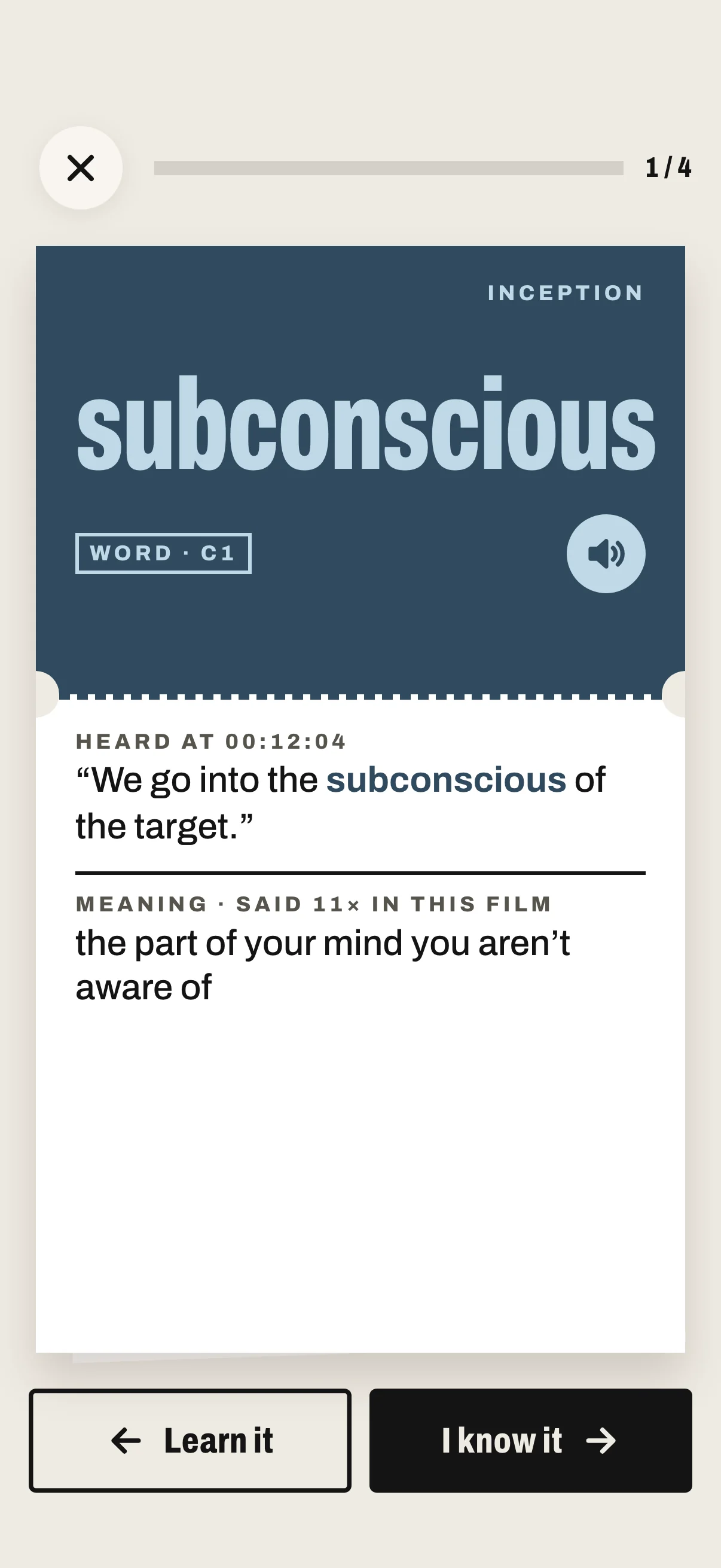
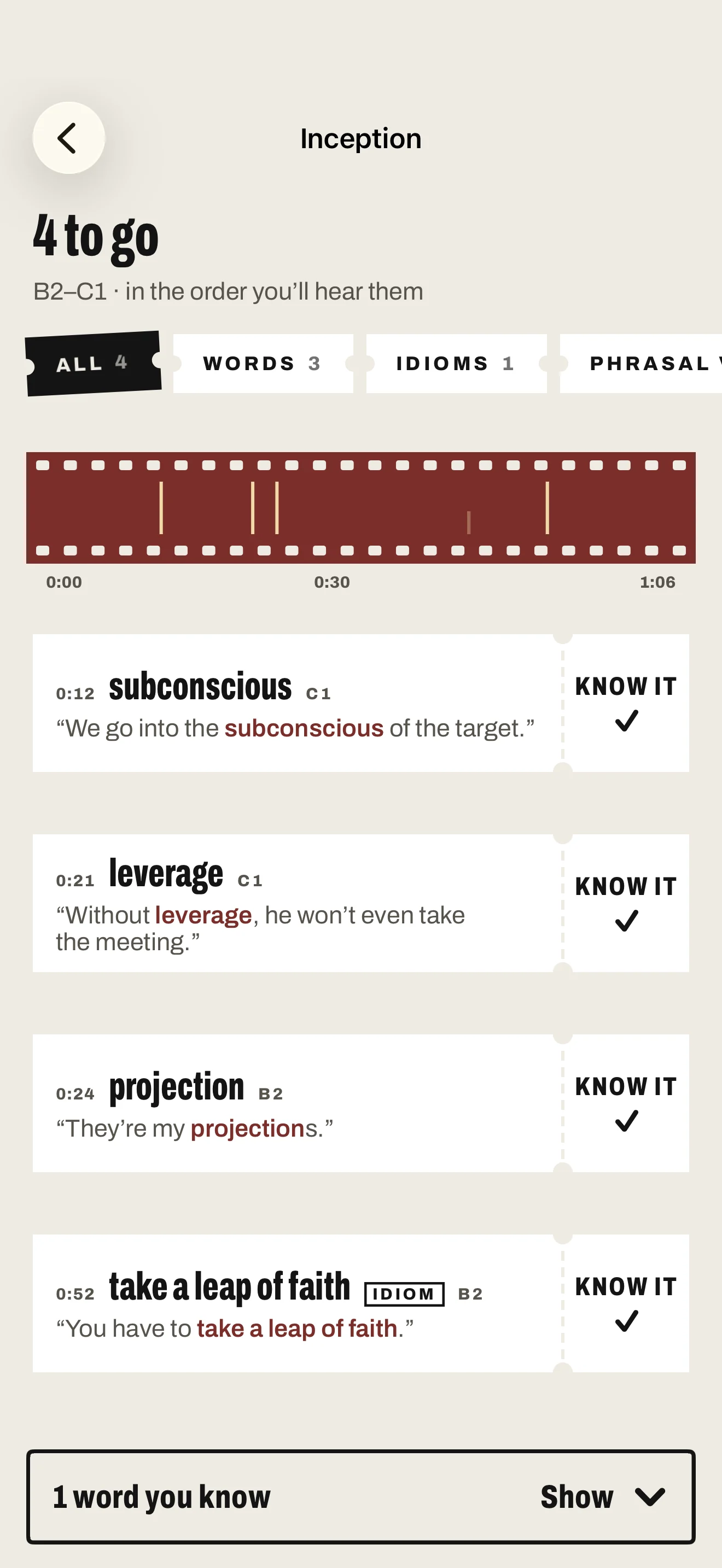
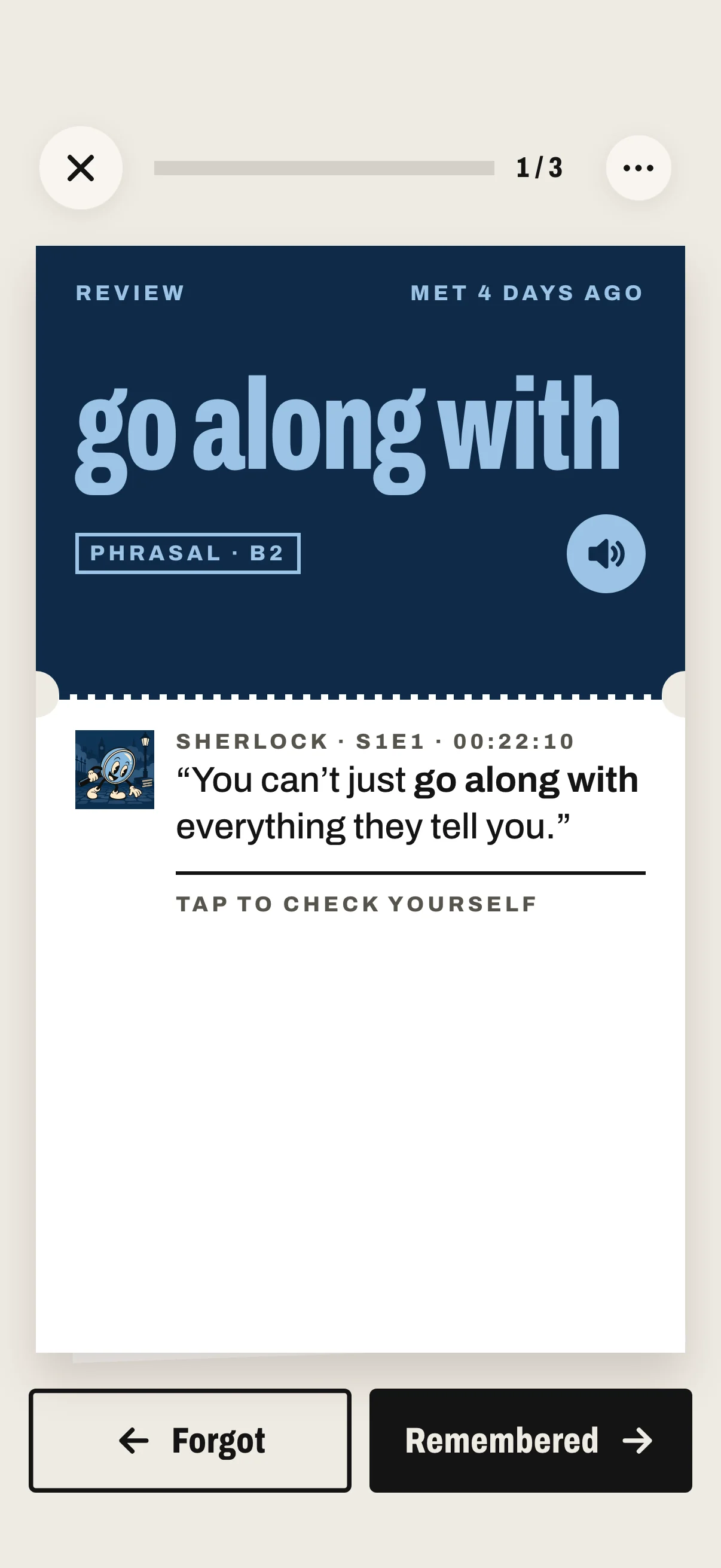
It reads the film’s subtitles and pulls out every word, idiom and phrasal verb, with the line each one is said in. You learn the ones you don’t know yet before you watch, so the film makes sense without pausing.
Does PreWatch play the film?
No. PreWatch gets you ready, and you watch wherever you already do: Netflix, Apple TV, Disney+, the cinema. There’s nothing to connect.
What’s my level, and how does the app know it?
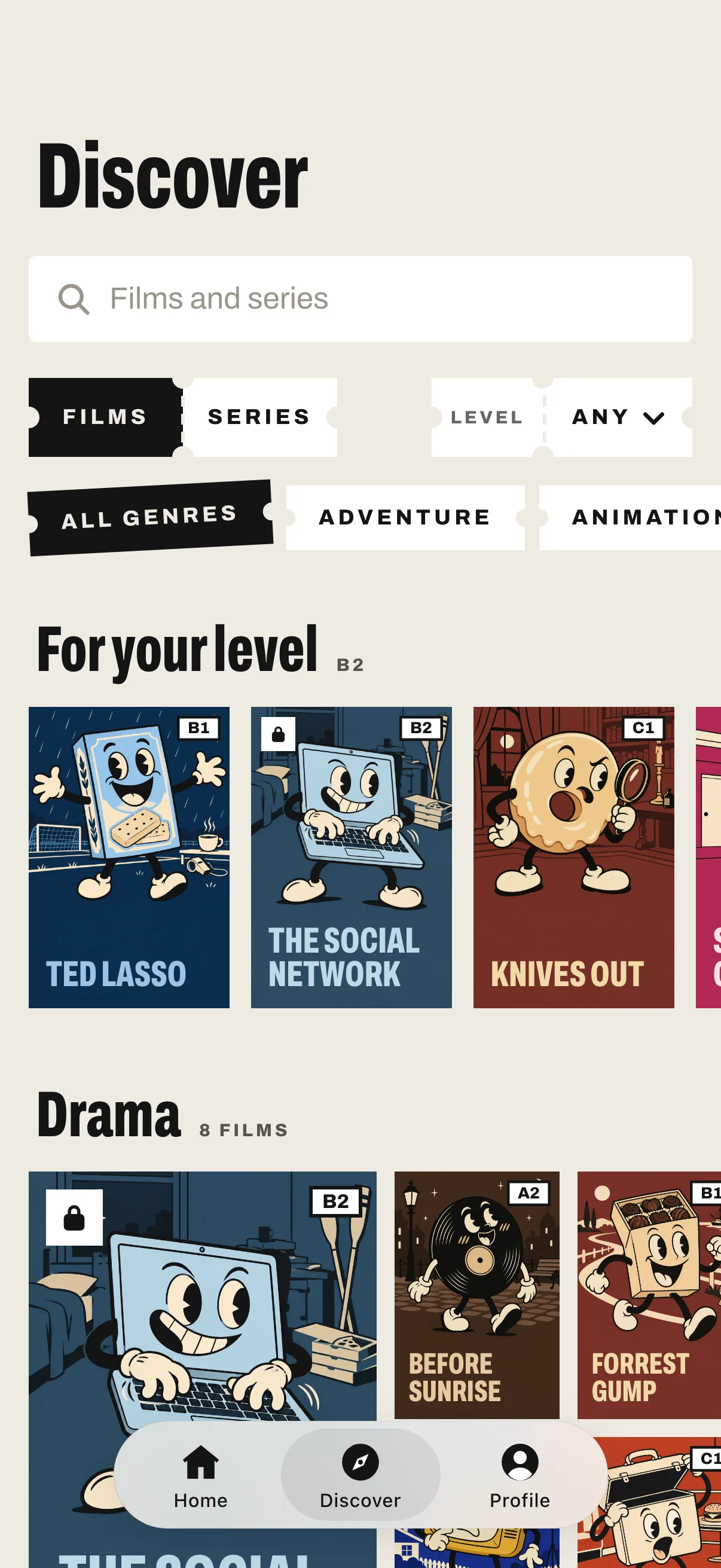
Your English level on the A1 to C2 scale. Pick it when you start, or take the ten-question quiz, and change it any time in Profile → Your level. PreWatch then shows you each title’s words at your level and the one above, leaving out the ones you’ve marked as known.
Which titles are free?
The first episode of every series and the films marked free. Reviews of the words you’ve learned are always free.
A film I want isn’t there.
Search for it in Discover and tap Request this title. Each request is a vote, and the most-wanted titles are added first. Most arrive within a day to a week; some take longer. You can request 2 titles a day.
Can I see meanings in my own language?
Every card has the meaning in plain English, and a Translate button under it. Translation runs on your iPhone, in the languages Apple’s Translation offers; the first time, iOS downloads the language.
Is there an Android version?
No. PreWatch is for iPhone, with iOS 26 or later.
Your account
How do I restore Premium on a new iPhone?
Sign in to PreWatch with the same Apple or Google account, then go to Profile → Settings → Restore purchases. Your iPhone has to use the Apple Account you paid with.
How do I cancel my subscription?
Apple manages subscriptions. On your iPhone, open Settings → your name → Subscriptions → PreWatch, or Profile → Settings → Manage subscription in the app. Premium stays until the end of the period you’ve paid for.
How do I get a refund?
Apple handles all payments and refunds. Ask for one at reportaproblem.apple.com.
How do I turn the daily reminder on or off?
Profile → Settings → Daily review reminder.
How do I delete my account?
Profile → Settings → Delete account. Your words, progress and streak are removed for good. Deleting your account doesn’t cancel an App Store subscription, so cancel that first in your iPhone’s Settings.